UltraEdit: A powerful, flexible HTML editor
An HTML Editor that’s relied on by professionals around the world. Functional, flexible toolsets are integrated to ensure you do your best work, previewing and publishing at your pace smoothly.
UltraEdit supports numerous other web languages, features an HTML toolbar, CSS style builder, and a tag list for easy access to frequently used code. Native FTP/FTP/FTPS support, CSS HTML Validator Std v19 is FREE with an all access subscription and you can sync files between your local and remote system. Last but not least, UltraEdit also has column/block mode editing, and integrated file compare.
Download our free, full-feature 30 day trial and discover why 4+ million users prefer UltraEdit as their source code editor of choice. Available for Windows, Mac and Linux.


The world’s best editor.
Native 64-bit, huge file handling, CNET ★★★★★ ranking, the list goes on.

UltraCompare Pro for free.
That’s right – UE now includes a key for UC Pro at no additional cost. Learn more.

Win/Mac/Linux versions for both.
You get the Windows, Mac, and Linux versions of UltraEdit and UltraCompare.

3 for 1 licensing.
Your personal license is good for up to 3 machines on any combination of platforms.
What makes UltraEdit a great HTML editor?
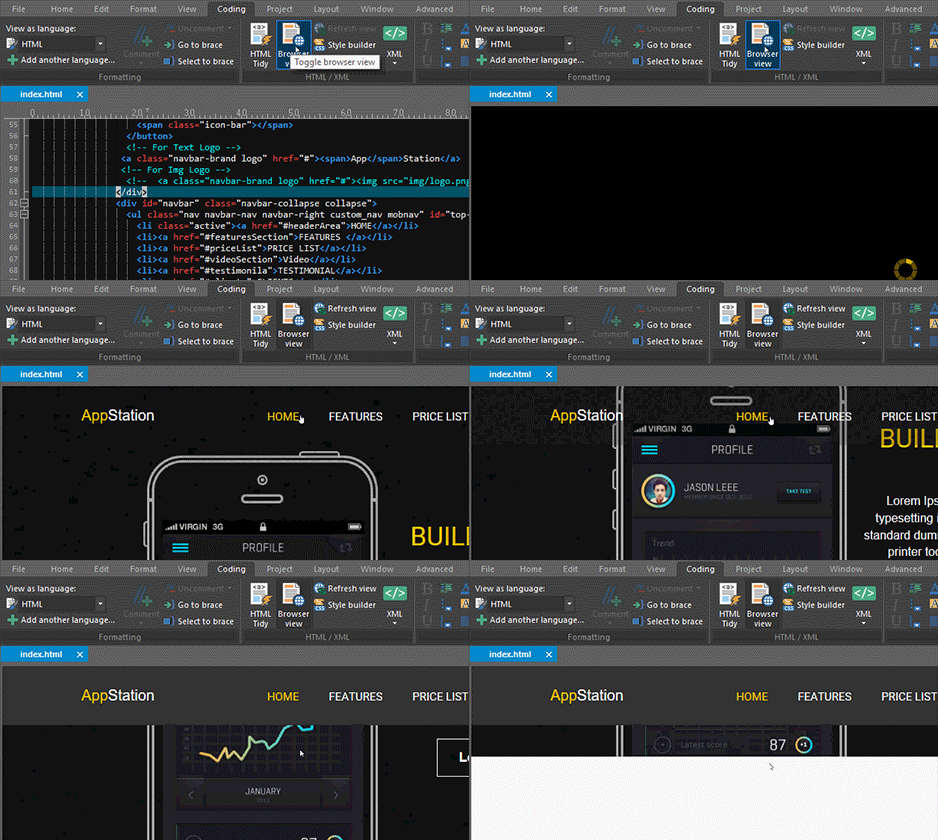
HTML preview
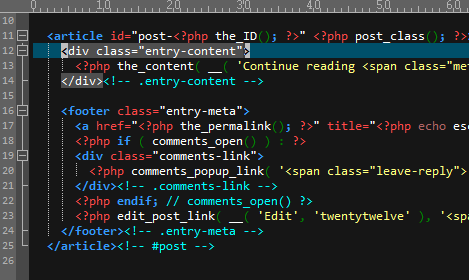
Code highlighting
Spot syntax mistakes easily with code highlighting, brace matching, folding, and more. UltraEdit also includes highlighting support for 400+ other languages.
HTML tag matching and auto-complete
HTML can be messy and mistakes can be hard to find. Avoid unclosed and unmatched tags with UltraEdit’s tag completion and tag matching features. Works for XML too!
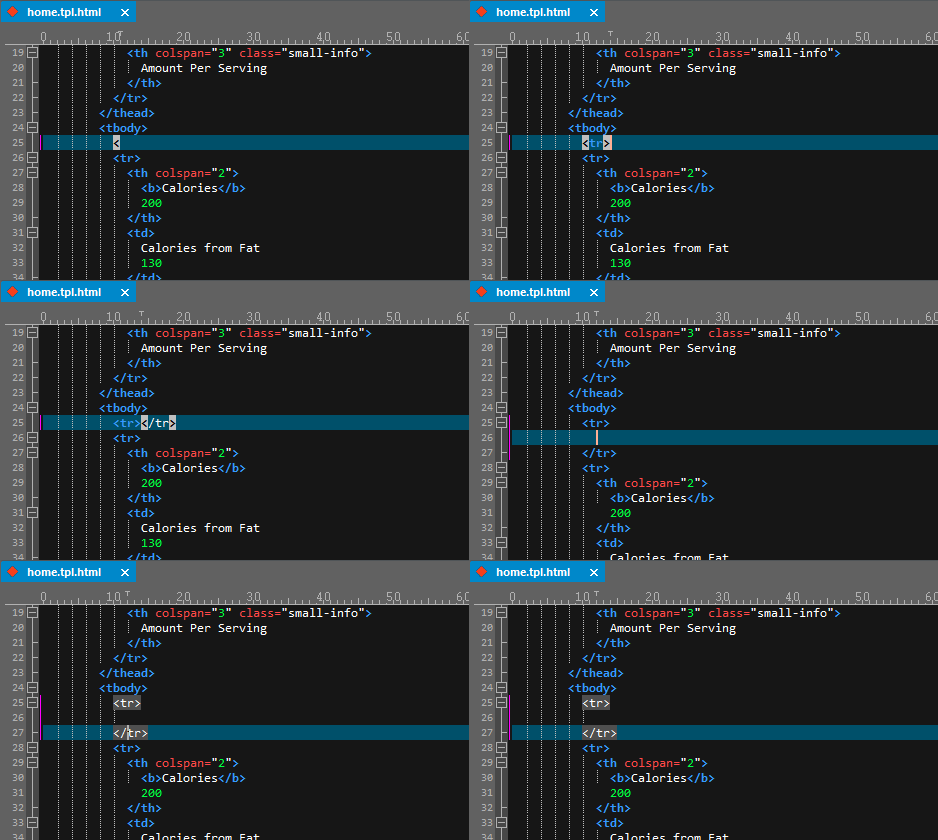
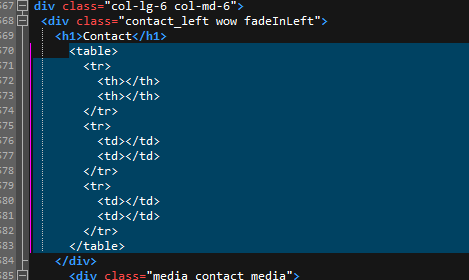
Auto-expanding code templates
Type a template keyword (like “<table” above) and UltraEdit will offer to auto-complete the code for you.
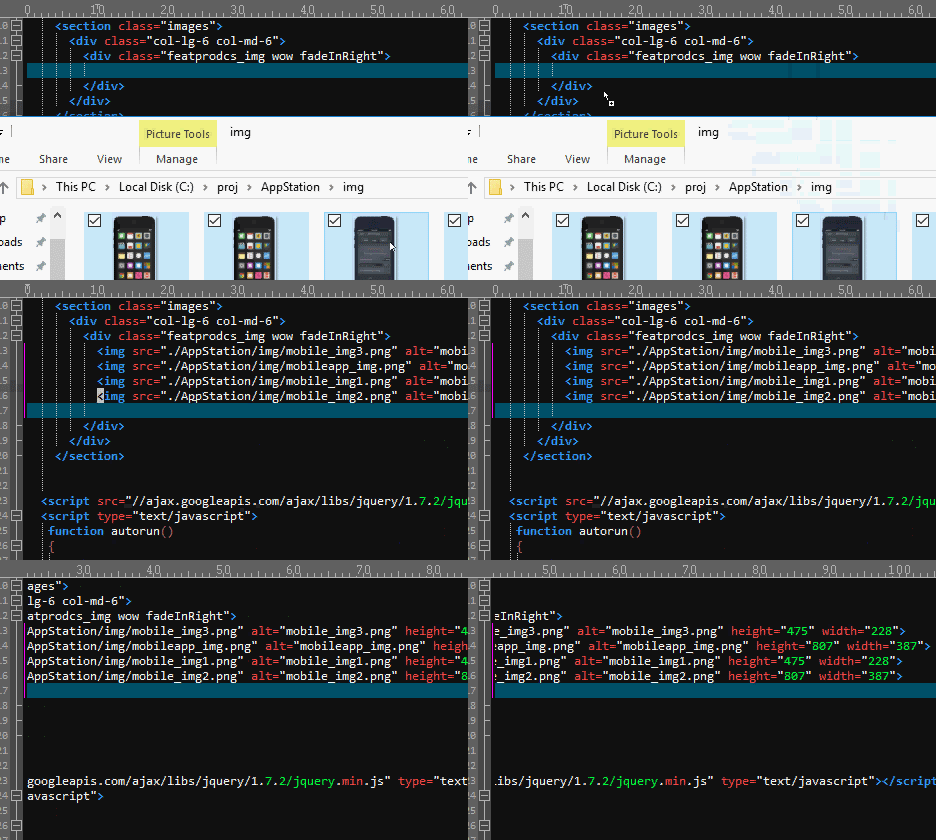
Drag-and-drop image insertion
It’s fun to add images to your HTML. Just drag-and-drop them into your HTML or CSS file, and let UltraEdit do the rest. Best of all, the format is completely customizable!
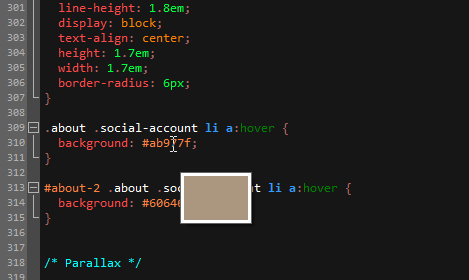
Easy CSS color swapping
Need to preview a CSS color? Just hover over its definition and UltraEdit shows you a preview in a swatch tooltip. Ctrl + Click the tooltip to swap the color with a color picker. UltraEdit is also great for editing CSS
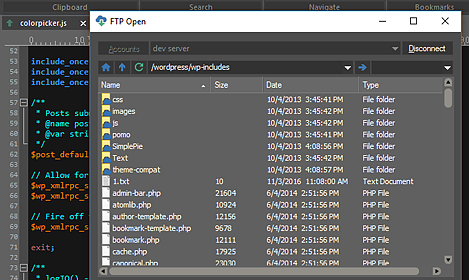
Integrated FTP/SFTP client
Pull down your web files directly in the editor, then save them back via Ctrl + S with the integrated FTP client. Use the FTP browser for batch operations!
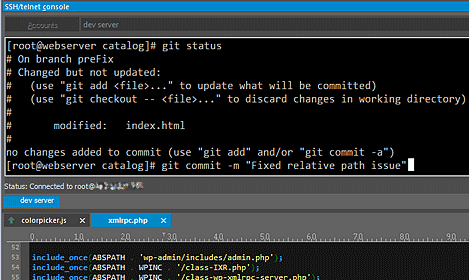
Integrated SSH
Like the command line? UltraEdit includes an integrated SSH / telnet window so you can frolic about on your server without ever leaving your editor.