Home  »  Products  »  UltraEdit for Mac  »  New features in UltraEdit (Mac)
NEW RELEASE:
v4.0
UE Mac box

UltraEdit for Mac/Linux v4.0

UltraEdit for Mac/Linux v4.0 is now available! The goal of this release - and the sum of the v4 series - is to supply depth and polish to existing functionality while providing the new features you want to see. Version 4.0 exemplifies by rounding out print functionality including advanced page setup options, custom headers and footers, printing of word wrap, and more importantly, printing of syntax highlighting colors! Other additions include the quick open dialog, project wordfiles, reindent selection for source reformatting, and conversion for single-line XML feeds to a properly formatted document.

New: Rounded out print functionality


Printing support in v4.0 has been expanded tremendously! You can now tweak your page layout and setup to your liking with settings for header and footer, page margins, print fonts, and more. Also, our updates to printing include full support for printing syntax highlighting, word wrap, line numbers, and more.

Screenshot of print dialog in UE Mac/Linux v4.0

The full list of changes to printing in this release are as follows:

  • Full page setup options
    • Customizable header/footer
    • Fully adjustable margins
    • Print word wrap
    • Print line numbers
    • Print syntax highlighting
  • Improved printer selection and configuration
  • Set printer font
  • Mirror display font (will print with same font settings for editor)

New: Reindent selection


If you've ever collaborated with others on a project or worked on someone else's code, you know how frustrating it can be dealing with others' tab/indent styles and quirky code formatting. The reindent relection feature alleviates the headache of manually reformatting code by automatically reindenting the selected data based on your tab and indent settings.

Screenshot of reindent selection in UE Mac/Linux v4.0

New: XML convert to line terminators


Ever opened an XML-based file only to find that all the data runs together on one line, making it impossible to read or navigate? The new XML convert to line terminators feature will automatically add hard returns to the XML data and reindent/reformat the XML using your tab and indent settings.

Screenshot of XML convert to line terminators in UE Mac/Linux v4.0

New: Quick open dialog


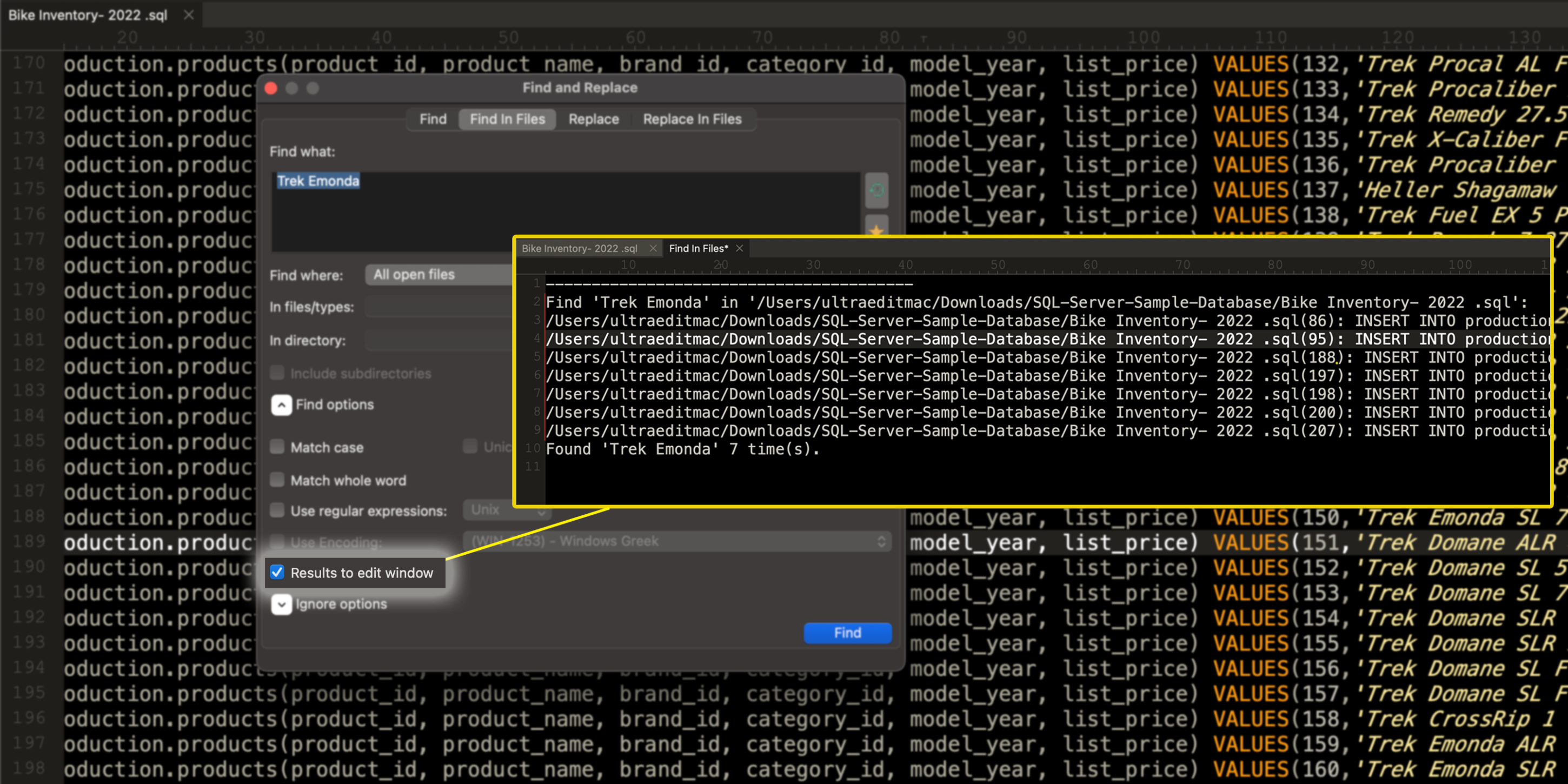
Open your files faster! The quick open dialog allows you to quickly specify a file open relative to the active file's path, or open all files within a specified directory based upon a partial file name match.

Screenshot of quick open dialog in UE Mac/Linux v4.0

New: Project-specific wordfiles


Set a path to a specific wordfile or wordfiles directory in your project settings to provide special syntax highlighting for different projects. You can supply a path to a single wordfile or to a directory of wordfiles. The project wordfiles are then loaded and used, along with your project, replacing the default wordfiles.

Screenshot of quick open dialog in UE Mac/Linux v4.0

Click here to see a full list of the latest changes to UltraEdit for Mac.


Upgrade
Download
Buy Now

Get the Mac bundle

UltraEdit/UltraCompare on Mac

Add UltraCompare for Mac to your purchase/upgrade of UE Linux and complete your file management solution.

Already own UltraEdit/UEStudio?

Exisiting UltraEdit and UEStudio users qualify for discounts on UltraEdit for Mac licensing

IDM Highlights newsletter

Sign up now for...

  • Software Powertips
  • New Releases
  • Update Notices
  • Cool Tools, Specials
  • Company News