








![Best Programming Software for Writing Code [Updated 2026]](https://www.ultraedit.com/wp-content/uploads/2022/10/compagnons-Im_cQ6hQo10-unsplash-scaled.webp "Best Programming Software for Writing Code [Updated 2026]")
VS Code is the default choice for most developers and has been for nearly a decade. But the right programming tool depends on what you’re actually doing. General-purpose development, language-specific work, large file editing, and security-sensitive environments each have a different answer. This guide maps the most widely used editors and IDEs to the situations where they perform best.
How to choose programming software for writing code
The most important question isn’t which editor is most popular. It’s which editor fits the work you’re doing.
A few things worth deciding before you pick:
- Editor vs. IDE. A text editor opens files fast, supports syntax highlighting, and stays out of your way. An IDE adds a debugger, compiler, project navigator, and deep language intelligence — at the cost of startup time and memory. Most experienced developers use both depending on the task.
- Free vs. commercially supported. Free tools like VS Code and Vim are excellent. But a community-maintained tool has no SLA, no dedicated support line, and no guaranteed update schedule. For work where downtime has a cost, commercial support matters.
- File size. Most editors load files entirely into RAM. That works fine for source code files. It fails on large logs, data exports, SQL dumps, and CSVs. If you regularly open files over a few hundred megabytes, your editor choice narrows quickly.
- Security requirements. Some environments have policies around telemetry, cloud sync, and AI code assistance. If you’re working with sensitive data or in a regulated environment, default settings on a general-purpose editor may not be acceptable.
Best programming tools for writing code
1. Visual Studio Code
Best for: General-purpose development, polyglot developers, teams
Free tier: Free (open source)
Platform: Windows, macOS, Linux
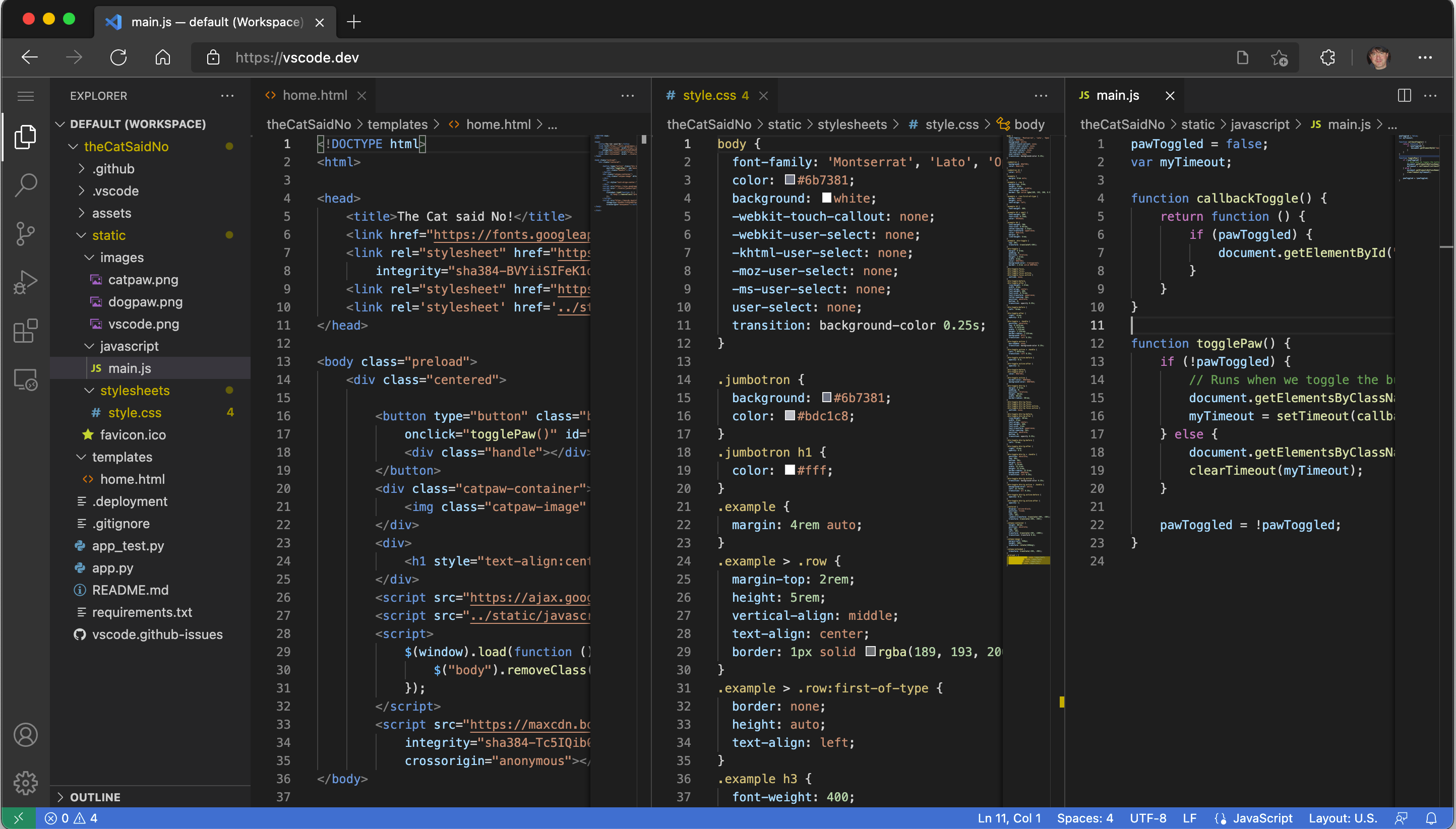
VS Code is the most widely used code editor in the world, with 75.9% developer adoption according to the 2025 Stack Overflow Developer Survey — the highest figure it’s ever reached. Its extension marketplace covers virtually every language, framework, linter, and debugger you’d need. IntelliSense provides solid code completion across languages, and the integrated terminal, Git panel, and debugger cover most development workflows without plugins.
VS Code is the reasonable default for solo developers and teams who don’t have specific requirements pulling them elsewhere.
Where it falls short: General-purpose design means it’s not the deepest tool for any specific language. Large files slow it down. It collects telemetry by default, which matters in some environments.
2. JetBrains IDEs (IntelliJ IDEA, PyCharm, WebStorm, and others)
Best for: Language-specific professional development
Free tier: Community editions available; paid Pro tiers
Platform: Windows, macOS, Linux
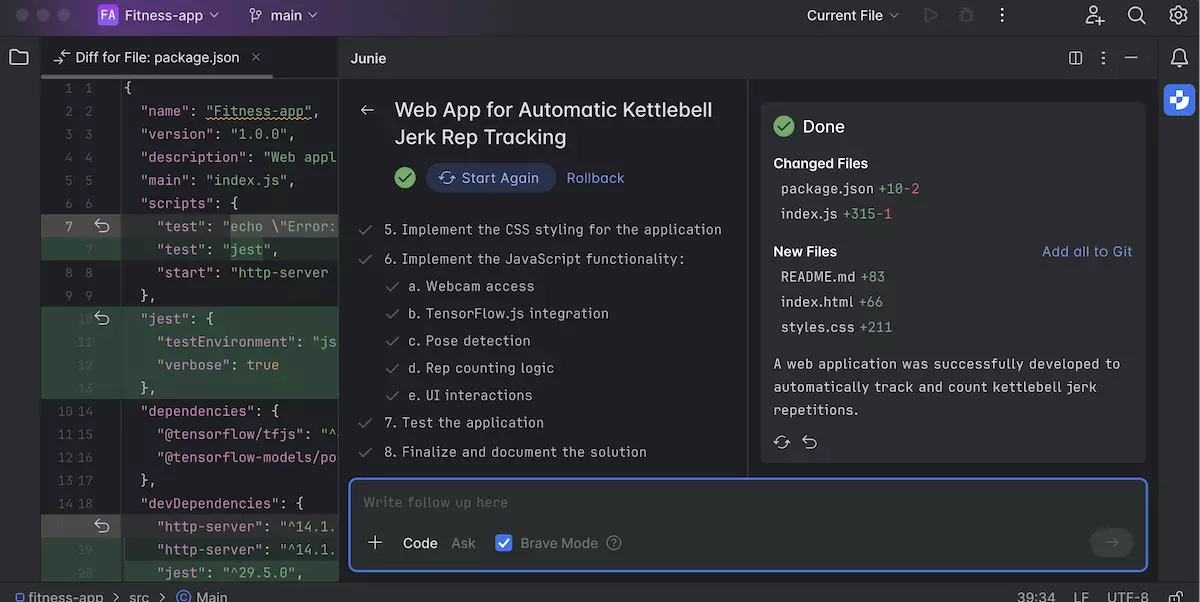
JetBrains makes language-specific IDEs rather than one general-purpose tool. IntelliJ IDEA is the standard for Java and Kotlin. PyCharm is the strongest Python IDE available. WebStorm covers JavaScript and TypeScript. Each ships with deep language intelligence, refactoring tools, a debugger, and framework-specific support out of the box. According to the 2025 Java Developer Productivity Report, 84% of Java developers use IntelliJ IDEA.
Where it falls short: Memory-intensive. Startup time is longer than lightweight editors. Cost is a factor for individual developers.
3. Cursor
Best for: AI-assisted development, code generation, refactoring with AI
Free tier: Free tier available; Pro plan paid
Platform: Windows, macOS, Linux
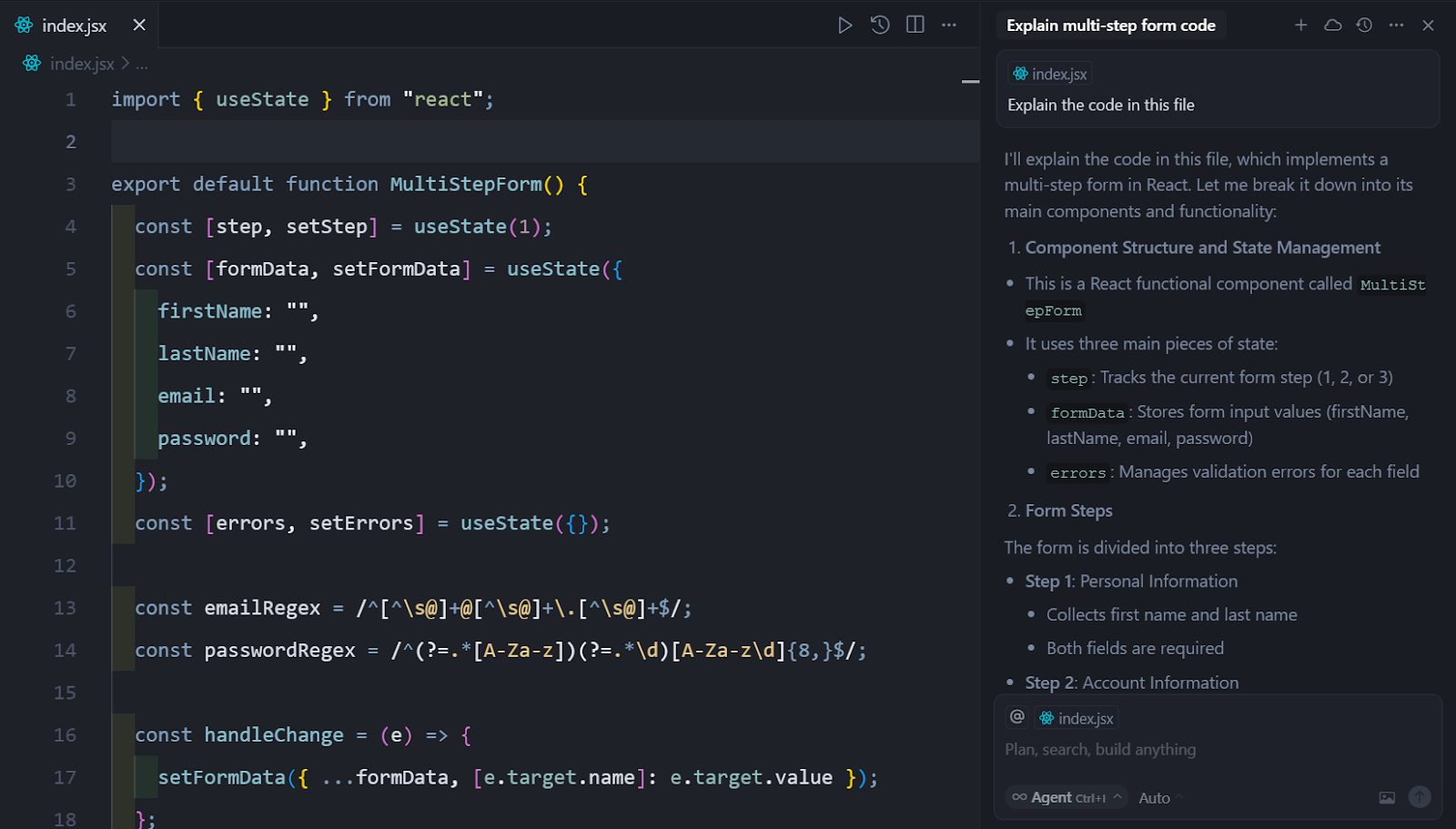
Cursor is an AI-native code editor built on the VS Code codebase. It integrates AI code generation, inline editing, and a chat-based interface for asking questions about your codebase directly into the editing experience. In the 2025 developer surveys, Cursor entered at 17.9% usage — one of the fastest adoption rates ever recorded for a new editor.
If your primary interest is leveraging AI assistance throughout the development process, Cursor is the most developed tool for that workflow in 2026.
Where it falls short: Dependent on AI model availability and internet access. Privacy-conscious teams should review the data handling options carefully before using on sensitive codebases.
4. Zed
Best for: Performance, collaborative editing
Free tier: Free (open source)
Platform: macOS, Linux (Windows support in development)
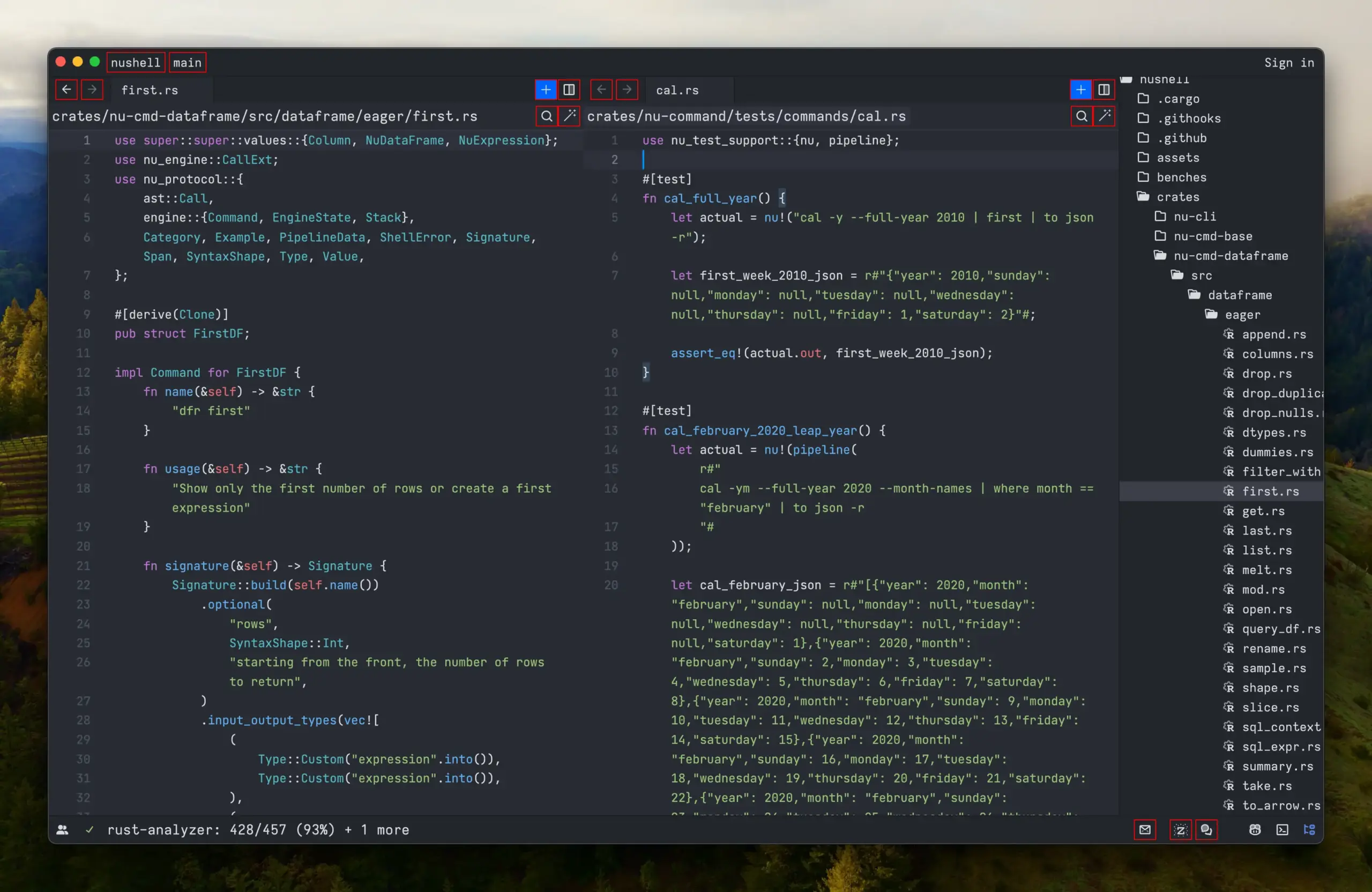
Zed is a code editor built from scratch in Rust by engineers who originally created Atom. It’s the fastest mainstream code editor available in terms of startup time and rendering. It also has built-in collaborative editing — multiple developers can edit the same file in real time without a plugin.
Where it falls short: Extension ecosystem is much smaller than VS Code. Windows support is not yet complete. Less suitable as a general-purpose replacement for established workflows.
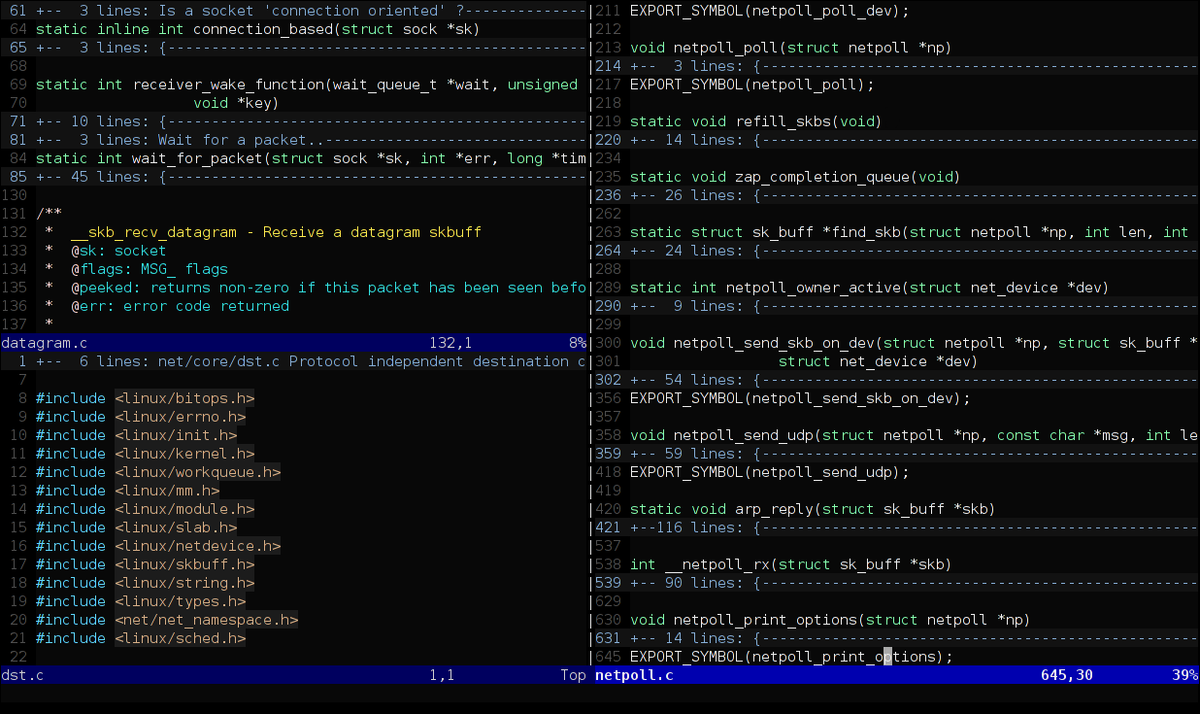
5. Vim / Neovim
Best for: Command-line work, server environments, power users
Free tier: Free (open source)
Platform: Windows, macOS, Linux (runs anywhere)
Vim has been in continuous development since 1991 and runs natively in any terminal environment. It has a steep learning curve — the modal editing model takes time to internalise — but developers who invest in it tend to stay with it. Neovim is the actively maintained modern fork, with Lua-based configuration and a stronger plugin ecosystem. Vim is the right choice for developers who spend significant time in server environments via SSH, or who want a highly customised, keyboard-driven editing experience.
Where it falls short: The learning curve is real. Not suitable for developers who need a quick start or a GUI-first experience.
6. Sublime Text
Best for: Fast editing, lightweight use, quick file inspection
Free tier: Unlimited free evaluation; licence required for continued use
Platform: Windows, macOS, Linux
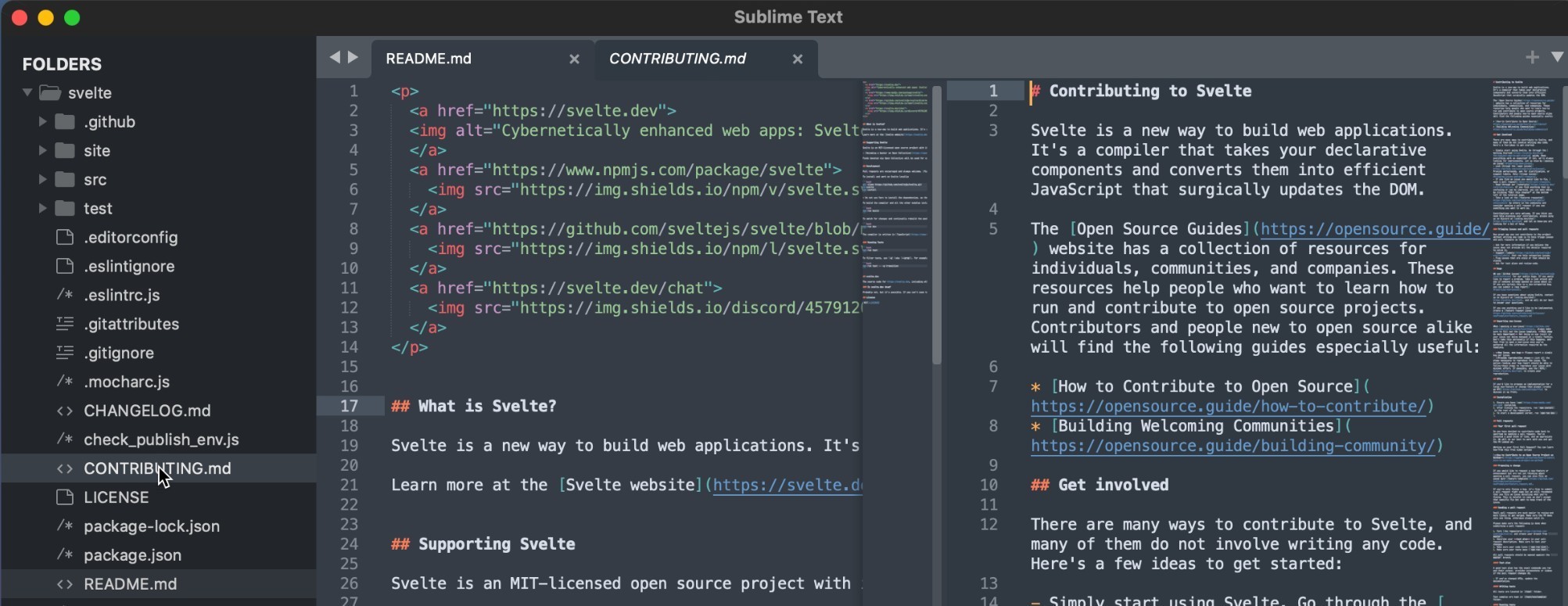
Sublime Text starts in under a second, handles large files better than most general-purpose editors, and stays responsive under heavy use. It’s been around since 2008 and has a stable, opinionated feature set rather than a constantly expanding one. Many developers keep it around as a secondary tool for quickly opening and inspecting files even when they use another editor as their main environment.
Where it falls short: The extension ecosystem is smaller than VS Code. Active development is slower. It’s not an IDE and doesn’t attempt to be.
7. UltraEdit
Best for: Large file editing, security-sensitive environments, professional IT and data work
Free tier: 7-day free trial; commercial licence
Platform: Windows, macOS, Linux
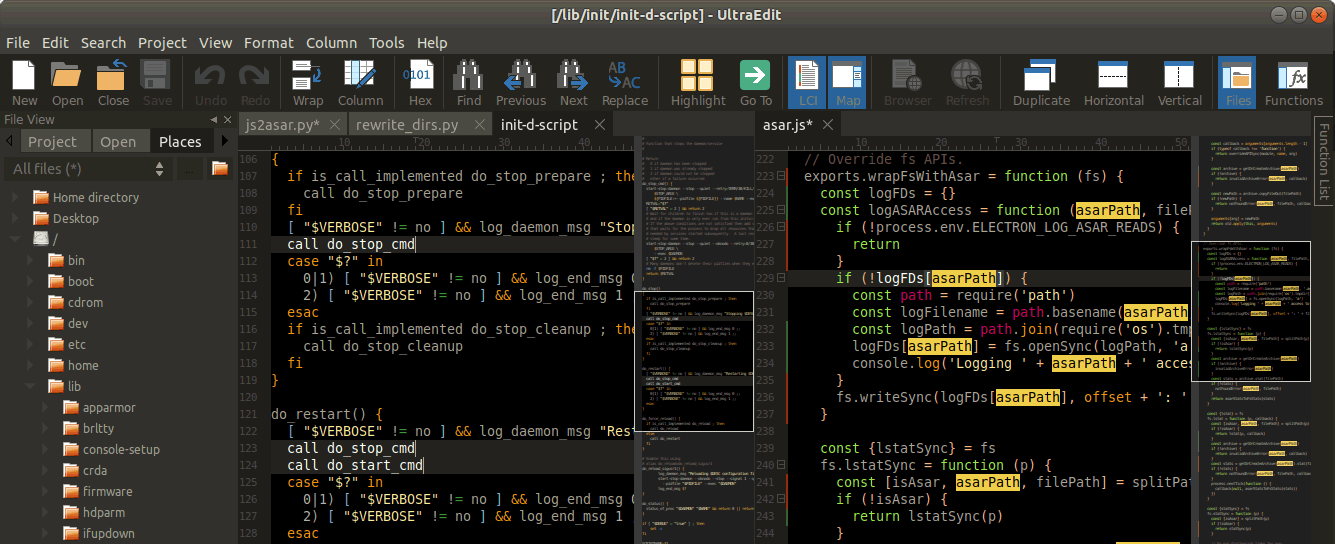
UltraEdit is a professional text editor built for the kind of work that general-purpose editors handle poorly. Its disk-based architecture means it doesn’t load an entire file into memory — it reads only what you’re working on. This makes it practical for large logs, multi-gigabyte data exports, SQL dumps, and CSV files that would crash or slow a RAM-based editor.
Beyond file size, UltraEdit includes a built-in SSH/Telnet client for editing files directly on remote servers, an integrated FTP/SFTP client, column-mode editing, multi-caret support, and a macro scripting engine. It runs identically on Windows, macOS, and Linux — unlike some tools that treat non-Windows versions as secondary.
It comes with commercial support — a dedicated support team rather than a community forum or GitHub issues. For IT teams, data professionals, and developers working in environments where the editor is a business tool rather than a personal preference, that distinction matters. UltraEdit has been in commercial development since 1994.
8. Notepad++
Best for: Quick Windows edits, lightweight scripting, non-developers
Free tier: Free (open source)
Platform: Windows only
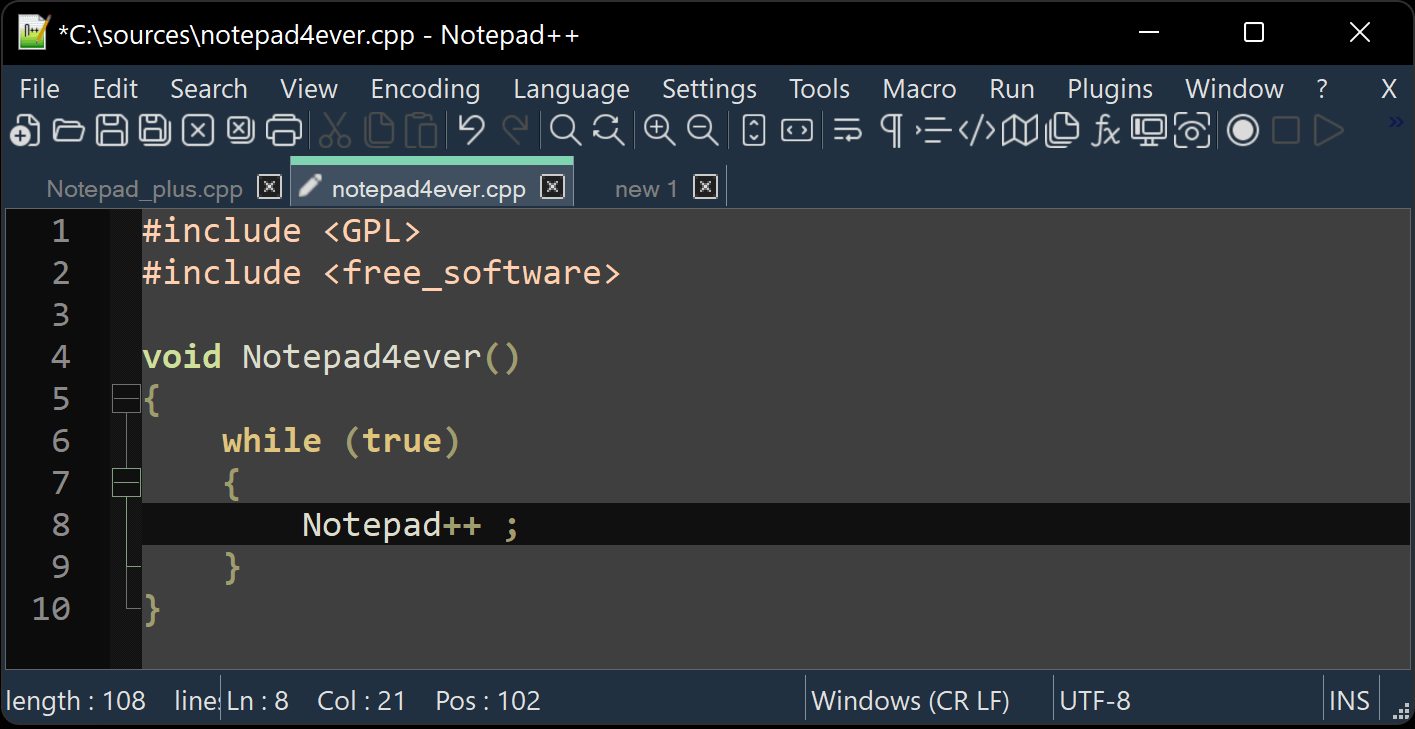
Notepad++ is a fast, lightweight Windows text editor with syntax highlighting for around 90 languages. It starts instantly, uses minimal resources, and handles files that would slow down heavier editors. It’s widely used for quick edits, config files, and scripting work on Windows machines.
Where it falls short: Windows only. No built-in debugger. Limited language intelligence compared to full IDEs or VS Code.
9. Visual Studio (full IDE)
Best for: .NET, C#, and Windows application development
Free tier: Community edition free; Professional and Enterprise paid
Platform: Windows (macOS version discontinued in 2024)
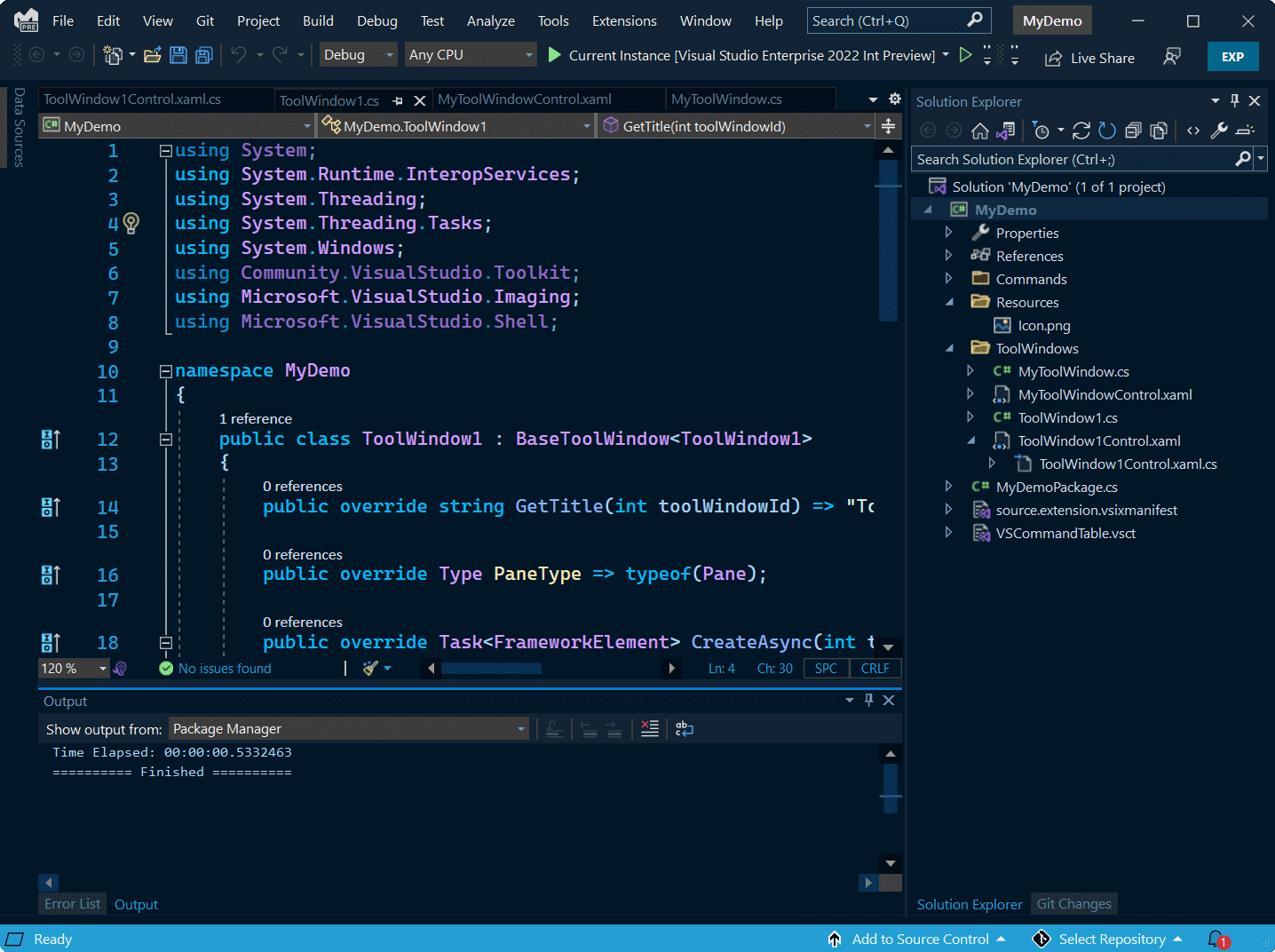
Visual Studio is Microsoft’s full IDE — distinct from VS Code — with deep tooling for .NET, C#, C++, and Windows application development. The debugger, profiler, and designer tools are among the most capable available for Windows-targeted work. Microsoft discontinued the macOS version in 2024, making this a Windows-only tool going forward.
Where it falls short: Heavy on resources. macOS support dropped. Not practical for general web development or non-Windows platforms.
Programming software comparison table
| Tool | Best for | Free | Platform | Commercial support |
| VS Code | General development | Yes | Win/Mac/Linux | No |
| JetBrains IDEs | Language-specific work | Partial | Win/Mac/Linux | Yes |
| Cursor | AI-assisted development | Partial | Win/Mac/Linux | No |
| Zed | Performance, collaboration | Yes | Mac/Linux | No |
| Vim / Neovim | Terminal, server, power users | Yes | Anywhere | No |
| Sublime Text | Fast, lightweight editing | Partial | Win/Mac/Linux | No |
| UltraEdit | Large files, security-sensitive envs | Trial | Win/Mac/Linux | Yes |
| Notepad++ | Quick Windows edits | Yes | Windows only | No |
| Visual Studio | .NET / Windows dev | Partial | Windows only | Yes |
Which tool is right for your situation?
- You’re a developer who just needs to get started: Use VS Code. It’s free, widely supported, and has an extension for everything.
- You work primarily in one language professionally: Look at the relevant JetBrains IDE. The language-specific intelligence is worth the cost if you’re in that language most of the day.
- You want AI assistance built into your editing workflow: Cursor is the most fully developed option for that in 2026. Review the data handling policies before using it on sensitive code.
- You spend significant time editing files on remote servers: UltraEdit or Vim. UltraEdit has a built-in SSH/Telnet client and a GUI. Vim runs anywhere with no installation.
- Your files are large — logs, data exports, SQL dumps over a few hundred MB: UltraEdit handles this where RAM-based editors struggle or fail.
- Your environment has data sensitivity requirements or you need vendor support: UltraEdit is the professionally supported option with predictable licensing, a dedicated support team, and no mandatory telemetry or AI cloud processing.
- You need something fast on Windows for quick edits: Notepad++.
FAQ
Is VS Code still the best code editor in 2026?
VS Code is the most widely used code editor — 75.9% of developers use it according to the 2025 Stack Overflow Developer Survey. For most developers working on standard projects, it’s the practical default. It’s not the best choice for every situation: it struggles with very large files, and its general-purpose design means it’s not the deepest tool for any specific language or environment.
What’s the difference between a code editor and an IDE?
A code editor handles syntax highlighting, search, and basic language features. An IDE adds a debugger, compiler, project-level navigation, and language-specific intelligence. VS Code sits between the two — it’s a lightweight editor that can behave like an IDE with extensions. JetBrains tools are full IDEs built for specific languages.
Is AWS Cloud9 still a good option?
AWS stopped offering Cloud9 to new customers in 2024. Existing users can continue using it, but it’s not a recommended starting point for new projects. VS Code with the AWS Toolkit extension is a more practical alternative for cloud-based AWS development.
What programming software handles large files best?
Editors that load files entirely into memory — including VS Code and most general-purpose editors — slow down or fail on files over a few hundred megabytes. UltraEdit uses a disk-based architecture that reads only the part of the file you’re working on, which keeps performance stable on large logs, SQL dumps, data exports, and CSV files.
What’s the best code editor for a team environment?
It depends on the team’s requirements. VS Code is the lowest-friction choice for most teams. For teams with specific language needs, JetBrains IDEs provide more consistent tooling. For teams that require commercial support, predictable licensing, and vendor accountability, UltraEdit is the professionally supported option.
Are AI code editors safe for professional use?
It depends on the tool and the settings. Cursor offers privacy modes where code doesn’t leave your machine. GitHub Copilot has enterprise controls. Most AI editors send code to external model endpoints by default, which is a concern in regulated industries or environments with data handling requirements. Review your tool’s data policy and your organisation’s policies before enabling AI features on sensitive codebases.
Does UltraEdit work on macOS and Linux?
Yes. UltraEdit runs on Windows, macOS, and Linux, and the features are consistent across all three platforms. This is different from some tools — Notepad++ is Windows-only, and Visual Studio’s macOS version was discontinued in 2024.
What should I look for when choosing a code editor?
Platform support, language coverage, and extension ecosystem are the most common criteria. For professional or team use, also consider: whether the tool is commercially supported, how it handles large files, what data it sends externally by default, and whether it has predictable licensing. Free tools are fine for personal or hobby development; commercial tools matter when the editor is part of a business workflow.

Download and start your 7 day free trial to experience the fabulous features of UltraEdit today!




0 Comments